How do I find completed auctions or unsold items?
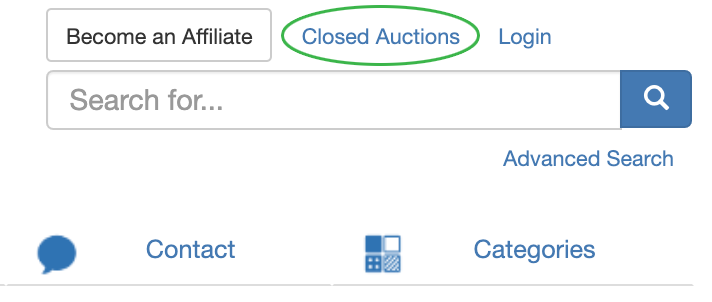
Closed auctions can be quickly accessed through the link in the upper right-hand corner of the website next to the Login button. Auctions are listed with the most recent closing date/time first.
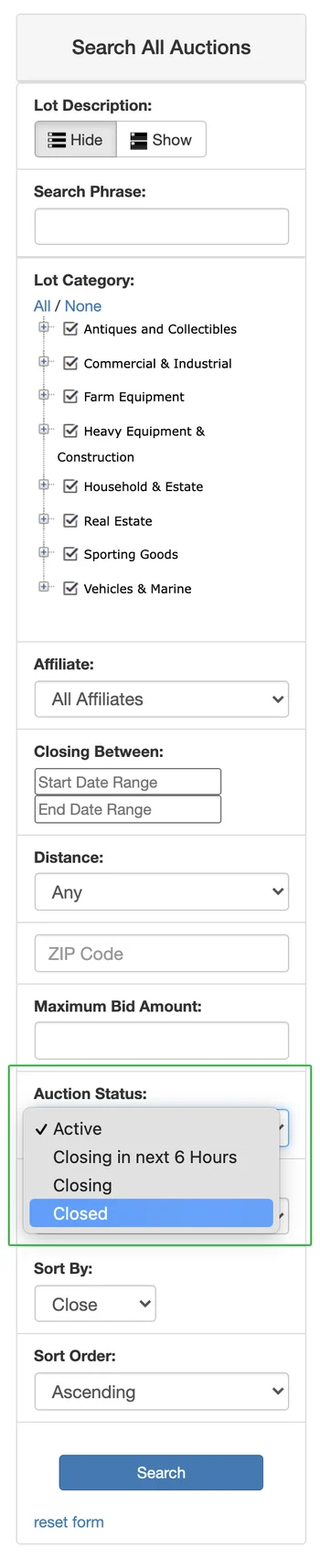
You can also search for sold (or unsold) items by filtering for closed auctions when using the Advanced Search function:
.webp)
The Advanced Search menu will show up on the left-hand side of the page. Scroll down to the section "Auction Status:" and change the drop-down menu to "Closed."